Tool 04

Reel Time Plus
Hit Your Mark Perfectly.
Running time, always in frame.
Know your over/under before the cut locks.
Hit Your Mark Perfectly.
Running time, always in frame.
Know your over/under before the cut locks.
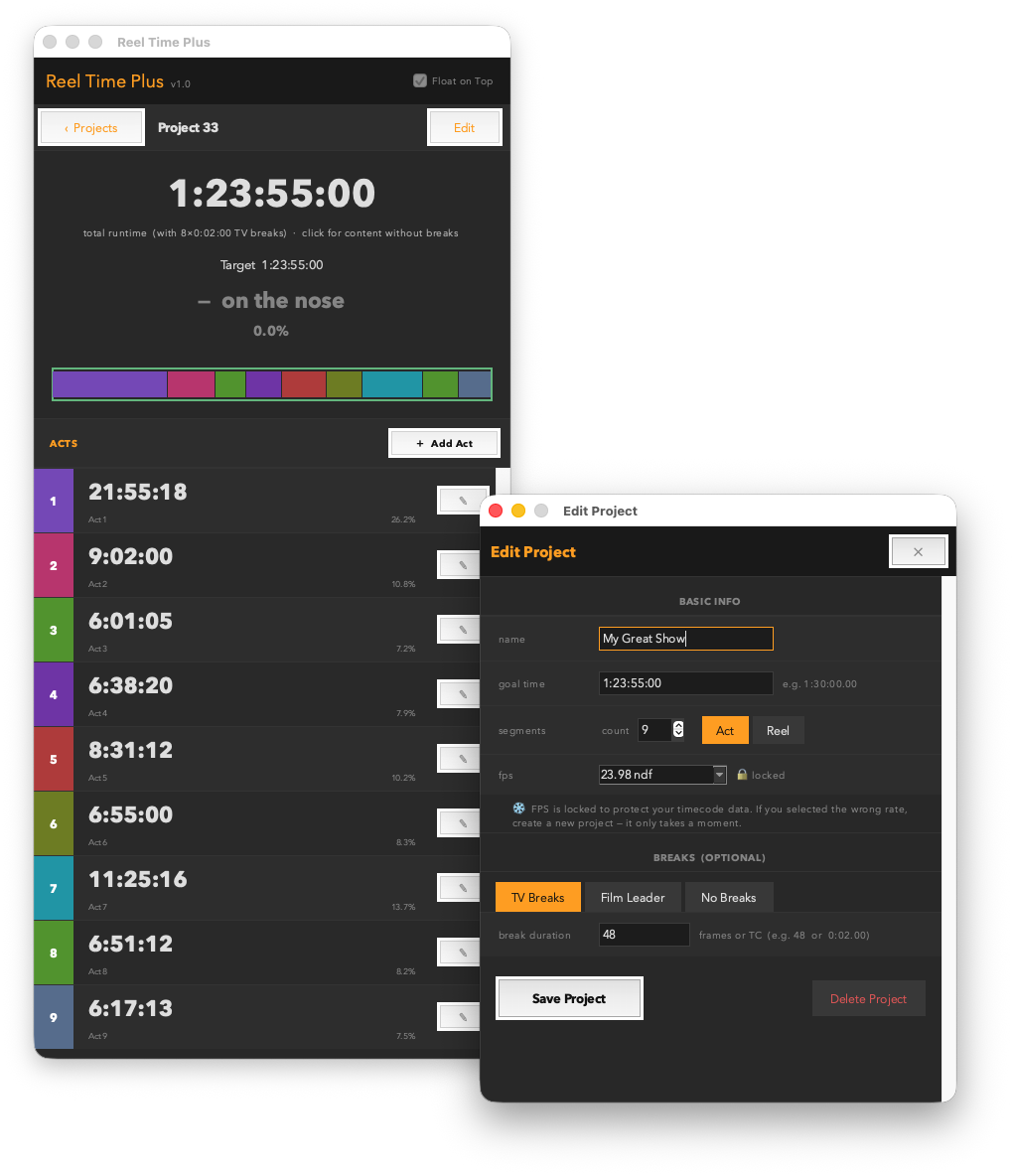
You're cutting a four-act TV movie to a 1:26:30 delivery spec and you're six minutes over. You need to know which act is carrying the weight — and exactly how much you need to lose. Or you're in DI and need to confirm your total runtime including leaders clears the delivery window before you send the drive.
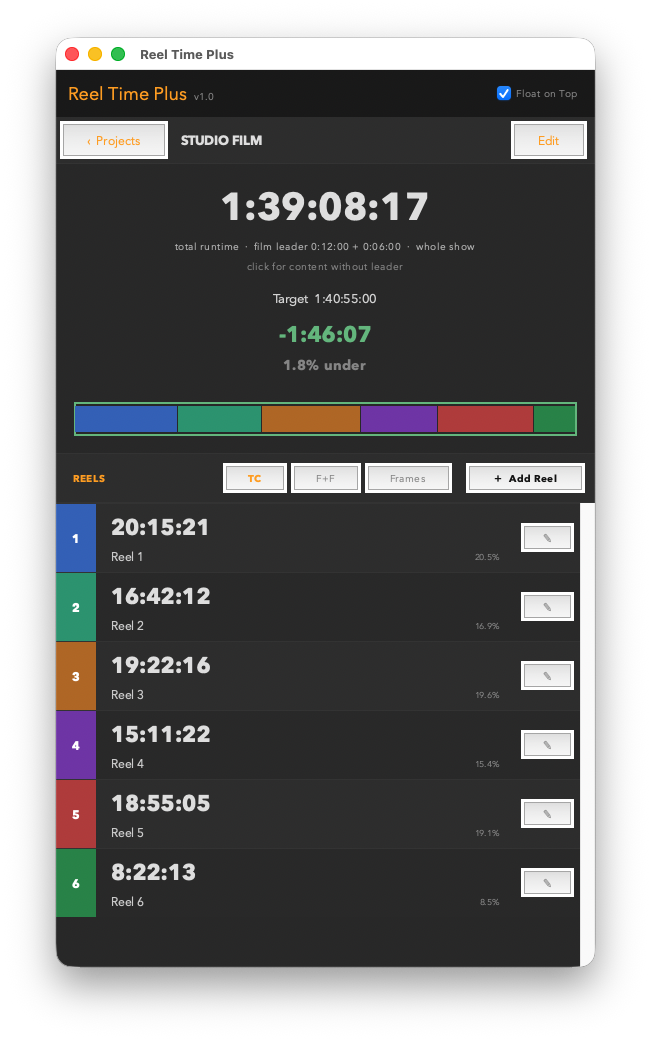
Reel Time Plus is a running-time calculator built for TV and film editors. Create named show projects, add acts or reels with individual durations, set a goal time, and see your total runtime — with a live over/under readout and a proportional segment bar — updated the moment you change anything. Configure commercial breaks between acts or head/tail film leader per reel, and the total always reflects your actual delivery length. Film projects can display timecodes in feet+frames (35mm or 16mm) or raw frame counts. No DaVinci Resolve connection needed — it runs anywhere Python runs.
Three ways to run it — pick the one that fits your setup.
The Resolve script is v1.3; the standalone builds are still v1.2 — the v1.3 act-bar fix is in the script for now.
.app / .exe — double-click and go, no Python or Resolve needed — runs on any Mac or Windows machine. · .py — drop it in your Resolve scripts folder, launch from Workspace → Scripts → Utility. Works with DaVinci Resolve 18+ — free version and Studio both supported.
The .py version requires Python 3 — free from python.org/downloads (the Resolve console under Workspace → Console links to the same installer when Python isn’t detected).
 Marker Madness
 Clip Renamer Pro
 Track Command